
SAP Sales and Service Cloud V2 Introduces RSS Feed Cards for Enhanced User Experience
ByAinvest
Saturday, Jul 12, 2025 6:13 am ET1min read
SAP--
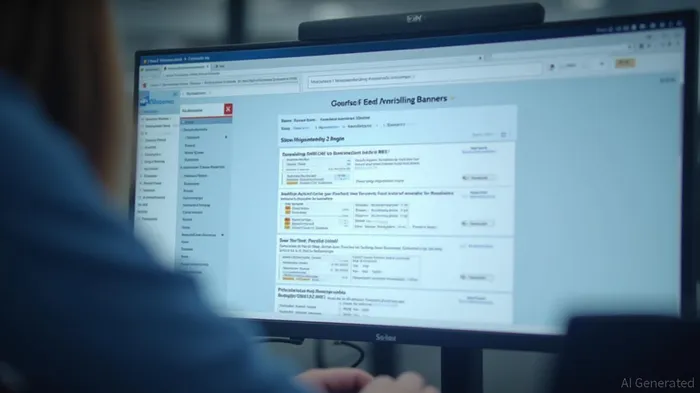
The RSS feeds are integrated into the user interface of SAP Sales Cloud V2, SAP Service Cloud V2, and SAP Enterprise Service Management. Users can configure these feeds on the home page, where they will auto-slide every 20 seconds or can be manually changed by clicking on the next/previous button. Clicking on the feed header or the "Launch" icon will open the specific feed in a separate browser tab, providing a seamless experience for users.
For those who want to use their own company RSS feed, the hostname for the image should be their own URL hostname. However, if the image source is different and the user is not aware of the image source URL, they need to inspect and get the URL to add it in the image source in content security policy settings.
SAP has provided a demo video and example feed APIs for testing purposes. The demo video can be accessed at [https://video.sap.com/media/t/1_tscnyxt4](https://video.sap.com/media/t/1_tscnyxt4), and the example feed APIs can be found at [https://news.sap.com/feed](https://news.sap.com/feed) and [https://blog.sap-press.com/rss.xml](https://blog.sap-press.com/rss.xml).
References:
[1] https://community.sap.com/t5/crm-and-cx-blog-posts-by-sap/rss-feeds-cards-in-sap-sales-and-service-cloud-v2-sap-enterprise-service/ba-p/14150849
SAP Sales and Service Cloud V2 has introduced RSS feeds, allowing users to stay updated on relevant information within their ERP system. The feeds can be configured on the home page and will auto-slide every 20 seconds or be manually changed by clicking on the next/previous button. Clicking on the feed header or the "Launch" icon will launch the feed in a separate browser tab.
SAP Sales and Service Cloud V2 has recently introduced RSS feeds as a new feature, aimed at enhancing user experience and keeping customers informed about relevant updates within their ERP systems. This feature allows users to stay updated on new product releases, system updates, and important announcements by subscribing to specific feeds within their ERP system.The RSS feeds are integrated into the user interface of SAP Sales Cloud V2, SAP Service Cloud V2, and SAP Enterprise Service Management. Users can configure these feeds on the home page, where they will auto-slide every 20 seconds or can be manually changed by clicking on the next/previous button. Clicking on the feed header or the "Launch" icon will open the specific feed in a separate browser tab, providing a seamless experience for users.
For those who want to use their own company RSS feed, the hostname for the image should be their own URL hostname. However, if the image source is different and the user is not aware of the image source URL, they need to inspect and get the URL to add it in the image source in content security policy settings.
SAP has provided a demo video and example feed APIs for testing purposes. The demo video can be accessed at [https://video.sap.com/media/t/1_tscnyxt4](https://video.sap.com/media/t/1_tscnyxt4), and the example feed APIs can be found at [https://news.sap.com/feed](https://news.sap.com/feed) and [https://blog.sap-press.com/rss.xml](https://blog.sap-press.com/rss.xml).
References:
[1] https://community.sap.com/t5/crm-and-cx-blog-posts-by-sap/rss-feeds-cards-in-sap-sales-and-service-cloud-v2-sap-enterprise-service/ba-p/14150849
Stay ahead of the market.
Get curated U.S. market news, insights and key dates delivered to your inbox.
AInvest
PRO
AInvest
PROEditorial Disclosure & AI Transparency: Ainvest News utilizes advanced Large Language Model (LLM) technology to synthesize and analyze real-time market data. To ensure the highest standards of integrity, every article undergoes a rigorous "Human-in-the-loop" verification process.
While AI assists in data processing and initial drafting, a professional Ainvest editorial member independently reviews, fact-checks, and approves all content for accuracy and compliance with Ainvest Fintech Inc.’s editorial standards. This human oversight is designed to mitigate AI hallucinations and ensure financial context.
Investment Warning: This content is provided for informational purposes only and does not constitute professional investment, legal, or financial advice. Markets involve inherent risks. Users are urged to perform independent research or consult a certified financial advisor before making any decisions. Ainvest Fintech Inc. disclaims all liability for actions taken based on this information. Found an error?Report an Issue




Comments
No comments yet