
Google Store Introduces "Devices" Page for Pixel, Fitbit, and Nest Management.
ByAinvest
Thursday, Feb 27, 2025 7:41 am ET1min read
GOOGL--
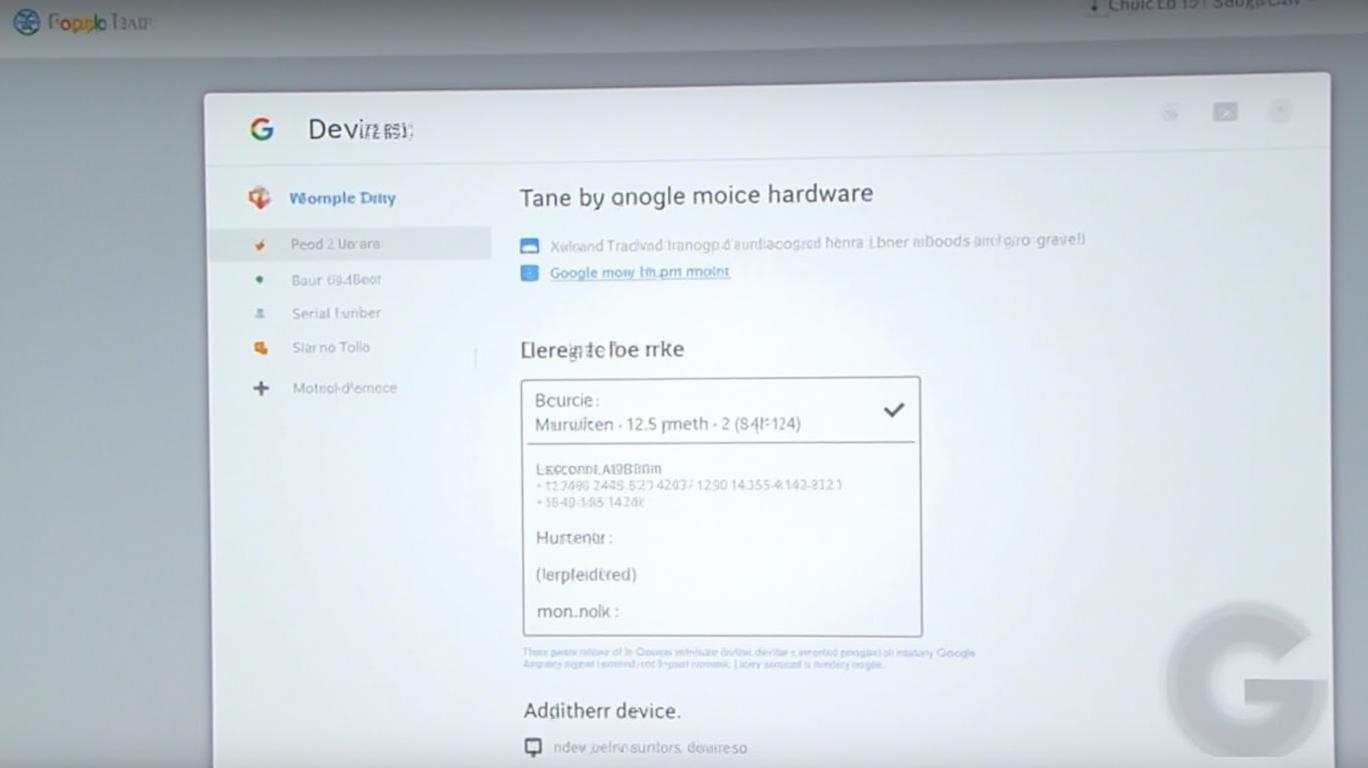
According to a report by Android Authority [1], this new feature allows users to view detailed information about their devices, including serial numbers, IMEI, and warranty status. Moreover, it offers a range of actions, such as requesting support, locating devices, ordering repairs, and adding missing devices by entering their IMEI or serial number.
The page's design is intuitive and user-friendly, with each device represented by a thumbnail image for easy identification. Users can also manage their devices directly from this page, including adding or removing them from their Google account.
For Pixel and Nest device owners, this new feature offers a significant advantage. It streamlines the process of managing device information, warranty status, and support requests, making it easier to keep track of all one's Google hardware in one place.
Google has been continually working to enhance the user experience for its customers. The introduction of the "Your Devices" page is a testament to this commitment, providing users with a more efficient and convenient way to manage their Google-branded devices.
References:
[1] Rita El Khoury and Adamya Sharma. Google Store's Your Devices page: One-stop hub for managing Pixel and Nest devices. Android Authority. Retrieved from https://www.androidauthority.com/google-store-your-devices-page-3530295/
IMAY--
The Google Store has introduced a "Devices" page that consolidates all Made by Google hardware signed into a single account, regardless of where they were purchased. The page displays device information, allows for device management, and enables users to add missing devices by entering their IMEI or serial number. Each device card includes warranty information, IMEI, and serial number with copy shortcuts. The page also offers various actions like repair, contact support, and find device.
Google's recent introduction of a "Your Devices" page on the Google Store has brought a welcome breath of convenience to managing one's Google-branded hardware. This page consolidates all devices signed into a single account, regardless of their purchase location, providing users with a centralized hub for device information, management, and support.According to a report by Android Authority [1], this new feature allows users to view detailed information about their devices, including serial numbers, IMEI, and warranty status. Moreover, it offers a range of actions, such as requesting support, locating devices, ordering repairs, and adding missing devices by entering their IMEI or serial number.
The page's design is intuitive and user-friendly, with each device represented by a thumbnail image for easy identification. Users can also manage their devices directly from this page, including adding or removing them from their Google account.
For Pixel and Nest device owners, this new feature offers a significant advantage. It streamlines the process of managing device information, warranty status, and support requests, making it easier to keep track of all one's Google hardware in one place.
Google has been continually working to enhance the user experience for its customers. The introduction of the "Your Devices" page is a testament to this commitment, providing users with a more efficient and convenient way to manage their Google-branded devices.
References:
[1] Rita El Khoury and Adamya Sharma. Google Store's Your Devices page: One-stop hub for managing Pixel and Nest devices. Android Authority. Retrieved from https://www.androidauthority.com/google-store-your-devices-page-3530295/
Stay ahead of the market.
Get curated U.S. market news, insights and key dates delivered to your inbox.


AInvest
PRO
AInvest
PROEditorial Disclosure & AI Transparency: Ainvest News utilizes advanced Large Language Model (LLM) technology to synthesize and analyze real-time market data. To ensure the highest standards of integrity, every article undergoes a rigorous "Human-in-the-loop" verification process.
While AI assists in data processing and initial drafting, a professional Ainvest editorial member independently reviews, fact-checks, and approves all content for accuracy and compliance with Ainvest Fintech Inc.’s editorial standards. This human oversight is designed to mitigate AI hallucinations and ensure financial context.
Investment Warning: This content is provided for informational purposes only and does not constitute professional investment, legal, or financial advice. Markets involve inherent risks. Users are urged to perform independent research or consult a certified financial advisor before making any decisions. Ainvest Fintech Inc. disclaims all liability for actions taken based on this information. Found an error?Report an Issue


ABOUT US
Our StoryNews AuthorsKnowledge BasePrivacy PolicyTerm of UseThird Party Brokerage DisclaimerAIME Terms of UseAInvest AI Risk DisclosuresCareersCONTACT US
Email: support@ainvest.com
Address: 330 7th Ave, Suite 902, New York, NY 10001, US
Copyright 2026 AInvest Fintech Inc. All rights reserved.


Comments
No comments yet