
Efficient Production Planning with SAP Fiori: Creating and Releasing Production Orders
This article explains how to create and release a production order using SAP Fiori applications. The production order is a document that instructs the shop floor to manufacture a specific quantity of material and includes details such as material components, routing steps, and scheduled dates. To create a production order, users can select the "Create Production Order" tile on the SAP Fiori dashboard, enter the material number, production plant, and order type, and specify the order quantity and basic end date. To release a production order, users can select the desired production orders in the "Manage Production Orders" application, click the "Release" button, and confirm the release. This process streamlines operations and improves user efficiency and visibility.
Creating and releasing production orders is a critical function in manufacturing environments. SAP Fiori applications offer a user-friendly interface to streamline these processes, enhancing efficiency and visibility. This article explains how to create and release a production order using SAP Fiori applications, based on best practices and industry standards.Creating a Production Order
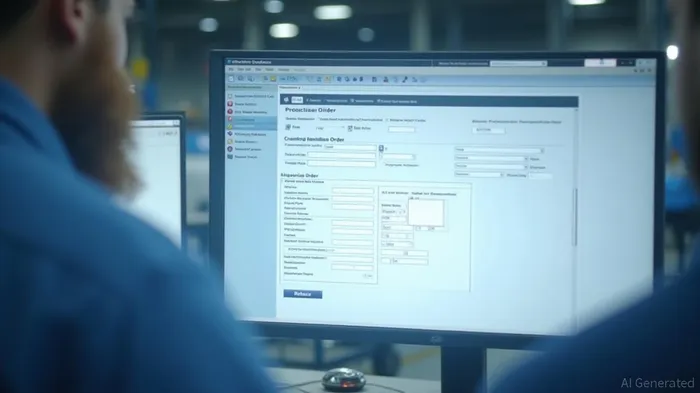
To initiate the process, users can select the "Create Production Order" tile on the SAP Fiori dashboard. This step allows users to enter essential details such as the material number, production plant, and order type. Additionally, users can specify the order quantity and the basic end date. This information is crucial for planning and scheduling production activities accurately.
Releasing a Production Order
Once a production order is created, it can be released to the shop floor for execution. Users can select the desired production orders in the "Manage Production Orders" application. After selecting the production orders, they can click the "Release" button. Confirming the release action initiates the production process, ensuring that the shop floor receives the necessary instructions.
Benefits of Using SAP Fiori Applications
SAP Fiori applications provide several benefits, including:
- User-Friendly Interface: The intuitive design of SAP Fiori applications simplifies the process of creating and releasing production orders, reducing the learning curve for users.
- Improved Efficiency: Streamlined workflows and automated processes enhance overall operational efficiency, allowing for faster production turnaround times.
- Enhanced Visibility: Real-time updates and detailed reporting features provide users with up-to-date information on production status, enabling better decision-making and resource allocation.
Conclusion
By leveraging SAP Fiori applications, manufacturing companies can significantly improve their production planning and execution processes. The ability to create and release production orders efficiently and accurately using these applications can lead to increased productivity, reduced errors, and enhanced overall performance.
References
[1] https://www.accenture.com/id-en/careers/jobdetails?id=R00276963_en
Stay ahead of the market.
Get curated U.S. market news, insights and key dates delivered to your inbox.
AInvest
PRO
AInvest
PRO



Comments
No comments yet