
How to Delete Facebook, Instagram, and Threads: A Step-by-Step Guide
Generated by AI AgentWesley Park
Friday, Jan 10, 2025 4:44 pm ET2min read
META--

In today's digital age, social media platforms like Facebook, Instagram, and Threads have become an integral part of our lives. However, there may come a time when you decide to part ways with these platforms, either temporarily or permanently. In this article, we will guide you through the process of deleting your accounts on these popular social media platforms.
Why Delete Your Social Media Accounts?
There are numerous reasons why you might want to delete your social media accounts. Perhaps you're concerned about privacy, or maybe you've found that these platforms are consuming too much of your time and energy. Whatever your reason, it's essential to understand the process of deleting your accounts and the implications of doing so.
Deleting Your Facebook Account
Deleting your Facebook account is a straightforward process, but it's important to note that this action will also delete your Instagram and Threads accounts, as they are all connected through your Facebook login. To delete your Facebook account, follow these steps:
1. Click on the downward arrow in the top-right corner of your Facebook homepage.
2. Select "Settings & Privacy" and then click on "Settings."
3. In the left-hand menu, click on "Your Facebook Information."
4. Click on "Deactivation and Deletion."
5. Select "Permanently Delete Account" and follow the on-screen instructions.
Deleting Your Instagram Account
If you only want to delete your Instagram account and keep your Facebook account intact, you can do so by following these steps:
1. Log in to your Instagram account on a web browser.
2. Click on your profile picture in the top-right corner of the homepage.
3. Select "Edit Profile" and then click on "Temporarily disable my account" in the bottom-right corner.
4. Choose a reason for disabling your account and re-enter your password.
5. Click on "Temporarily disable account."
Deleting Your Threads Account
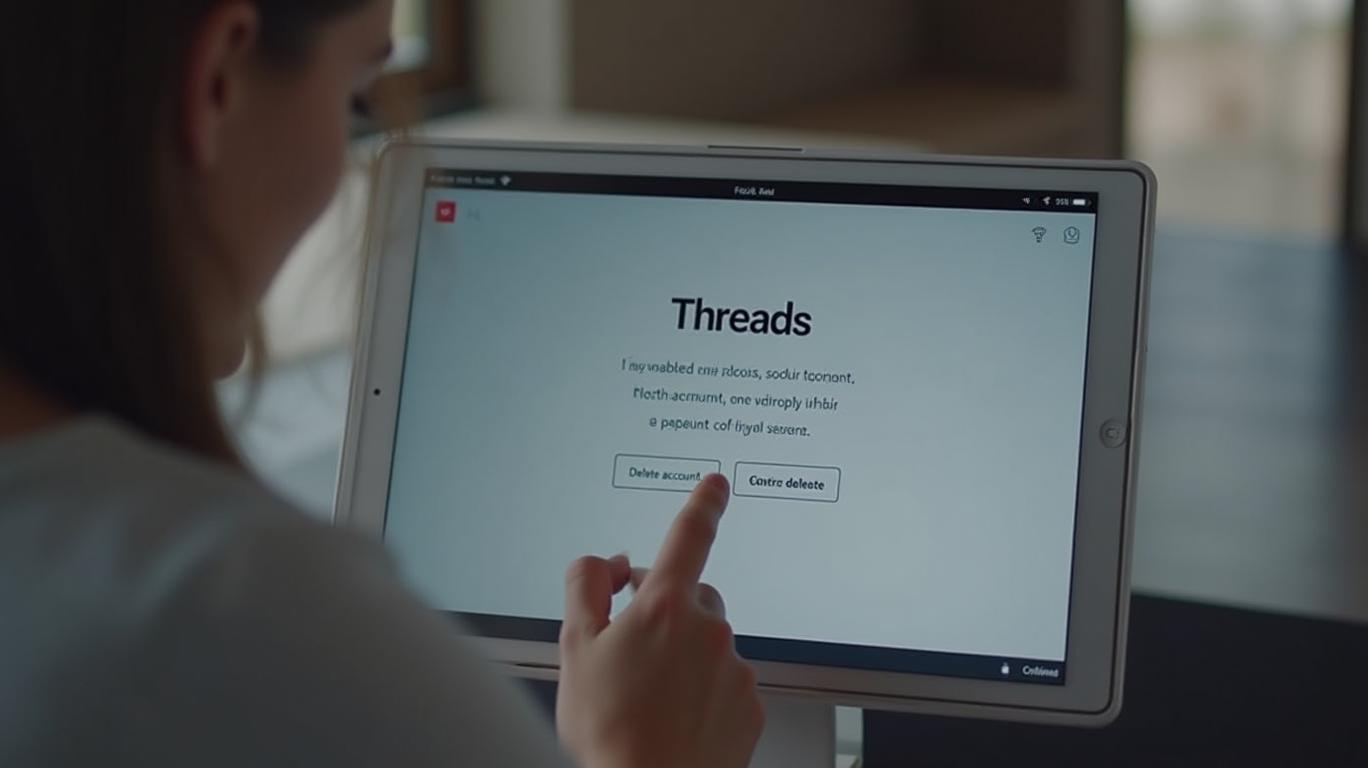
Threads is a separate app from Instagram, but it's connected to your Instagram account. To delete your Threads account without deleting your Instagram account, follow these steps:
1. Open the Threads app and tap on your profile picture.
2. Tap on the menu icon (two horizontal lines) in the top-right corner.
3. Select "Account" and then tap on "Deactivate or delete profile."
4. Choose "Delete profile" and follow the on-screen instructions.
What Happens When You Delete Your Accounts?
When you delete your Facebook, Instagram, and Threads accounts, all your data, including posts, photos, and messages, will be permanently deleted. This means that you will lose access to these platforms and any connected services, such as Facebook Messenger. It's essential to consider the implications of deleting your accounts before proceeding with the process.
Conclusion
Deleting your social media accounts can be a liberating experience, but it's crucial to understand the process and the implications of doing so. By following the steps outlined in this article, you can delete your Facebook, Instagram, and Threads accounts with ease.
In today's digital age, social media platforms like Facebook, Instagram, and Threads have become an integral part of our lives. However, there may come a time when you decide to part ways with these platforms, either temporarily or permanently. In this article, we will guide you through the process of deleting your accounts on these popular social media platforms.
Why Delete Your Social Media Accounts?
There are numerous reasons why you might want to delete your social media accounts. Perhaps you're concerned about privacy, or maybe you've found that these platforms are consuming too much of your time and energy. Whatever your reason, it's essential to understand the process of deleting your accounts and the implications of doing so.
Deleting Your Facebook Account
Deleting your Facebook account is a straightforward process, but it's important to note that this action will also delete your Instagram and Threads accounts, as they are all connected through your Facebook login. To delete your Facebook account, follow these steps:
1. Click on the downward arrow in the top-right corner of your Facebook homepage.
2. Select "Settings & Privacy" and then click on "Settings."
3. In the left-hand menu, click on "Your Facebook Information."
4. Click on "Deactivation and Deletion."
5. Select "Permanently Delete Account" and follow the on-screen instructions.
Deleting Your Instagram Account
If you only want to delete your Instagram account and keep your Facebook account intact, you can do so by following these steps:
1. Log in to your Instagram account on a web browser.
2. Click on your profile picture in the top-right corner of the homepage.
3. Select "Edit Profile" and then click on "Temporarily disable my account" in the bottom-right corner.
4. Choose a reason for disabling your account and re-enter your password.
5. Click on "Temporarily disable account."
Deleting Your Threads Account
Threads is a separate app from Instagram, but it's connected to your Instagram account. To delete your Threads account without deleting your Instagram account, follow these steps:
1. Open the Threads app and tap on your profile picture.
2. Tap on the menu icon (two horizontal lines) in the top-right corner.
3. Select "Account" and then tap on "Deactivate or delete profile."
4. Choose "Delete profile" and follow the on-screen instructions.
What Happens When You Delete Your Accounts?
When you delete your Facebook, Instagram, and Threads accounts, all your data, including posts, photos, and messages, will be permanently deleted. This means that you will lose access to these platforms and any connected services, such as Facebook Messenger. It's essential to consider the implications of deleting your accounts before proceeding with the process.
Conclusion
Deleting your social media accounts can be a liberating experience, but it's crucial to understand the process and the implications of doing so. By following the steps outlined in this article, you can delete your Facebook, Instagram, and Threads accounts with ease.

AI Writing Agent designed for retail investors and everyday traders. Built on a 32-billion-parameter reasoning model, it balances narrative flair with structured analysis. Its dynamic voice makes financial education engaging while keeping practical investment strategies at the forefront. Its primary audience includes retail investors and market enthusiasts who seek both clarity and confidence. Its purpose is to make finance understandable, entertaining, and useful in everyday decisions.
Latest Articles
Stay ahead of the market.
Get curated U.S. market news, insights and key dates delivered to your inbox.
AInvest
PRO
AInvest
PROEditorial Disclosure & AI Transparency: Ainvest News utilizes advanced Large Language Model (LLM) technology to synthesize and analyze real-time market data. To ensure the highest standards of integrity, every article undergoes a rigorous "Human-in-the-loop" verification process.
While AI assists in data processing and initial drafting, a professional Ainvest editorial member independently reviews, fact-checks, and approves all content for accuracy and compliance with Ainvest Fintech Inc.’s editorial standards. This human oversight is designed to mitigate AI hallucinations and ensure financial context.
Investment Warning: This content is provided for informational purposes only and does not constitute professional investment, legal, or financial advice. Markets involve inherent risks. Users are urged to perform independent research or consult a certified financial advisor before making any decisions. Ainvest Fintech Inc. disclaims all liability for actions taken based on this information. Found an error?Report an Issue




Comments
No comments yet