
A Comprehensive Guide to SAP BTP Event Mesh Integration with SAP Cloud Integration and Beyond
ByAinvest
Friday, Jan 24, 2025 12:58 pm ET1min read
RLAY--
The ASAPIO Integration Add-on allows the Event Mesh to handle custom events and events from older R/3 systems, ensuring seamless communication between applications. This integration is supported by Event Mesh in the SAP BTP portfolio and is an essential component of the event-driven architecture (EDA) used in recent SAP side-by-side extension solutions [1].
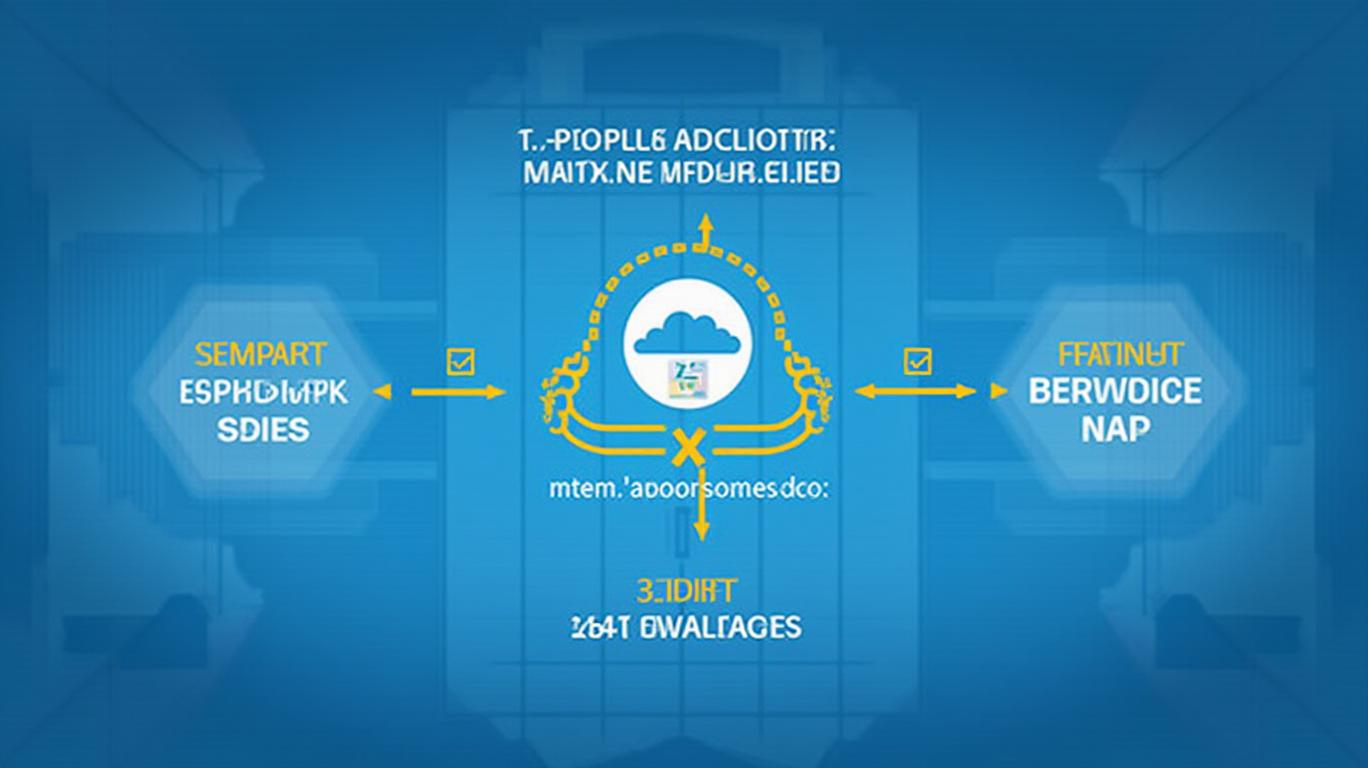
SAP BTP Cloud Integrations serve as the central communication hub for this solution, providing access to on-premise systems within a corporate network. By integrating SAP BTP Cloud Integrations and Event Mesh, it is possible to relay information about an event from an on-premise SAP system to the SAP Cloud Integration (SCI) and beyond, including SAP BUILD, Fiori applications, and third-party apps [1].
To get started, prerequisites include an Event Mesh instance on BTP, which can be created by following the instructions provided in the SAP Community blog [1]. Once the instance is created, a service key must be generated and downloaded for use in the next step.
Next, destinations must be created to establish a connection from the on-premise SAP system to the SAP BTP Event Mesh instance. This can be done by running report ASADEV/ACI_EM_RFC_CREATE in the SE38 and providing the necessary information, including the Cloud Instance name, RFC name, and the downloaded JSON configuration from the service key [1].
In summary, the SAP BTP Event Mesh, along with the ASAPIO Integration Add-on, provides a powerful solution for integrating custom and standard events from S/4HANA and R/3 systems. By following the steps outlined in this article and utilizing SAP BTP Cloud Integrations, it is possible to create a seamless and efficient communication channel between applications, ultimately enhancing the overall functionality and value of your SAP systems.
References:
[1] SAP BTP Event Mesh from S/4 to SCI. (n.d.). Retrieved from https://community.sap.com/t5/technology-blogs-by-members/sap-btp-event-mesh-from-s4-to-sci/ba-p/13741285
SAP--
SAP BTP Event Mesh integrates SAP standard events from S/4HANA systems and custom events from older R/3 systems using the ASAPIO Integration Add-on. This service allows applications to communicate through asynchronous events and is supported by Event Mesh in the SAP BTP portfolio. The solution integrates SAP BTP Cloud Integrations and Event Mesh to relay information about an event from on-premise SAP to SCI and beyond.
The SAP Business Technology Platform (BTP) Event Mesh is a valuable addition to SAP's portfolio, enabling applications to communicate through asynchronous events. This service supports various SAP standard events from BOR objects and classes on S/4HANA systems. However, to integrate custom events or events from older R/3 systems, the ASAPIO Integration Add-on must be installed [1].The ASAPIO Integration Add-on allows the Event Mesh to handle custom events and events from older R/3 systems, ensuring seamless communication between applications. This integration is supported by Event Mesh in the SAP BTP portfolio and is an essential component of the event-driven architecture (EDA) used in recent SAP side-by-side extension solutions [1].
SAP BTP Cloud Integrations serve as the central communication hub for this solution, providing access to on-premise systems within a corporate network. By integrating SAP BTP Cloud Integrations and Event Mesh, it is possible to relay information about an event from an on-premise SAP system to the SAP Cloud Integration (SCI) and beyond, including SAP BUILD, Fiori applications, and third-party apps [1].
To get started, prerequisites include an Event Mesh instance on BTP, which can be created by following the instructions provided in the SAP Community blog [1]. Once the instance is created, a service key must be generated and downloaded for use in the next step.
Next, destinations must be created to establish a connection from the on-premise SAP system to the SAP BTP Event Mesh instance. This can be done by running report ASADEV/ACI_EM_RFC_CREATE in the SE38 and providing the necessary information, including the Cloud Instance name, RFC name, and the downloaded JSON configuration from the service key [1].
In summary, the SAP BTP Event Mesh, along with the ASAPIO Integration Add-on, provides a powerful solution for integrating custom and standard events from S/4HANA and R/3 systems. By following the steps outlined in this article and utilizing SAP BTP Cloud Integrations, it is possible to create a seamless and efficient communication channel between applications, ultimately enhancing the overall functionality and value of your SAP systems.
References:
[1] SAP BTP Event Mesh from S/4 to SCI. (n.d.). Retrieved from https://community.sap.com/t5/technology-blogs-by-members/sap-btp-event-mesh-from-s4-to-sci/ba-p/13741285
Stay ahead of the market.
Get curated U.S. market news, insights and key dates delivered to your inbox.
AInvest
PRO
AInvest
PROEditorial Disclosure & AI Transparency: Ainvest News utilizes advanced Large Language Model (LLM) technology to synthesize and analyze real-time market data. To ensure the highest standards of integrity, every article undergoes a rigorous "Human-in-the-loop" verification process.
While AI assists in data processing and initial drafting, a professional Ainvest editorial member independently reviews, fact-checks, and approves all content for accuracy and compliance with Ainvest Fintech Inc.’s editorial standards. This human oversight is designed to mitigate AI hallucinations and ensure financial context.
Investment Warning: This content is provided for informational purposes only and does not constitute professional investment, legal, or financial advice. Markets involve inherent risks. Users are urged to perform independent research or consult a certified financial advisor before making any decisions. Ainvest Fintech Inc. disclaims all liability for actions taken based on this information. Found an error?Report an Issue




Comments
No comments yet