
The Option News Feed is a real-time stream of news articles specifically related to the options market. Unlike the curated daily digest, this feed provides continuous coverage of option-related events, market analysis, and breaking news throughout the trading day. It is one of the three content types available in Ainvest's Option Lab.
Where to Find the News Feed
- Web: Navigate to https://www.ainvest.com/options/ and scroll to the Option Lab section. News articles appear alongside the daily digests in the content listing area.
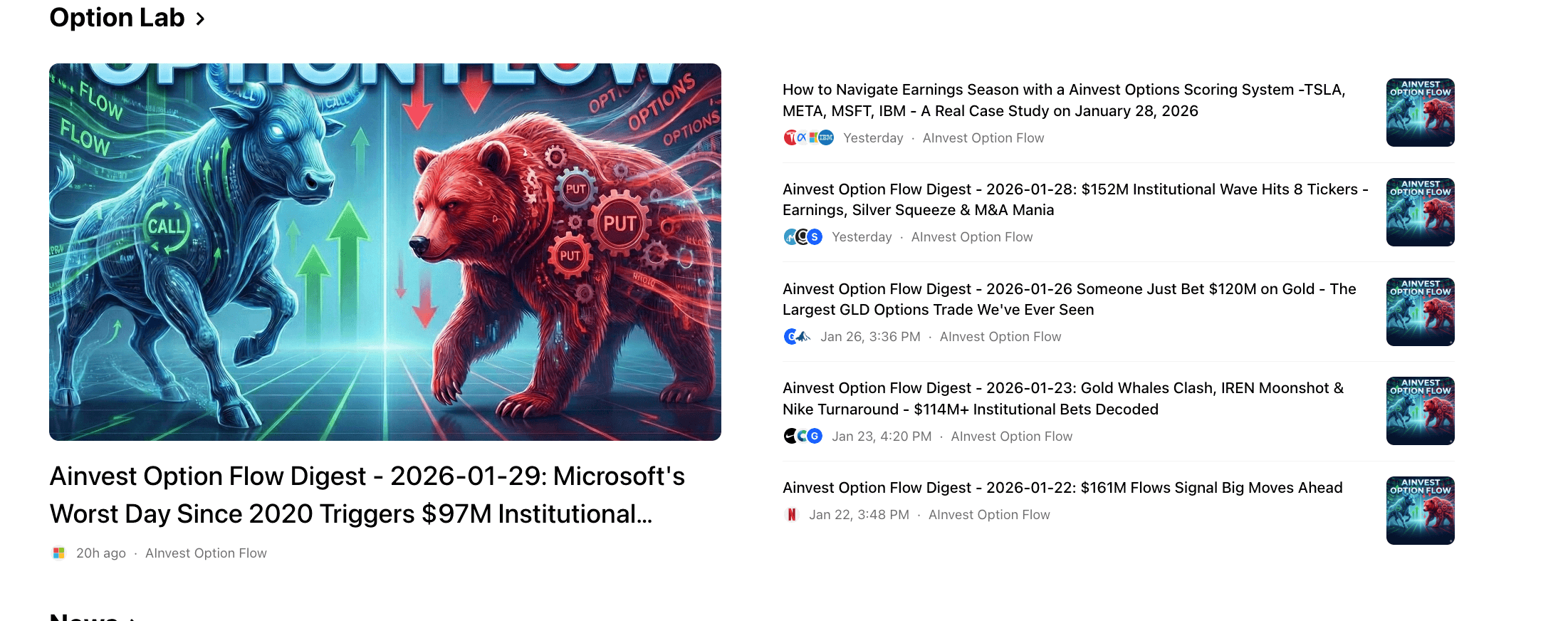
Web view of the Option Lab section showing news articles and digests in the content listing
- Mobile: Open the Market tab, then tap Options. In the Option News section, select the Option News tab (blue button). The latest news articles appear with headlines and ticker references.
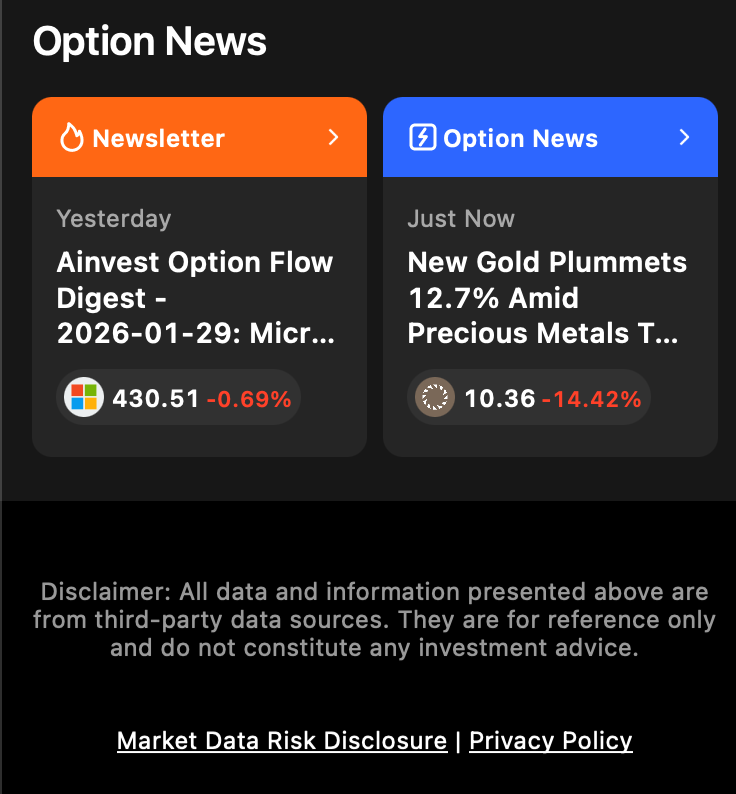
Mobile view of the Option News section with Newsletter and Option News tabs
Platform differences: On web, the news articles and Flow Digests are presented in a single mixed feed, ordered by publication time. On mobile, they are separated into distinct tabs -- Newsletter (orange) for the daily digests and Option News (blue) for the news feed. Mobile cards display ticker icons and current prices alongside headlines, making it easy to see at a glance which stocks are involved and where they are trading.
Content Types
The Option News Feed publishes several categories of content, all focused on the options market:
- Options market analysis articles covering strategies, positioning trends, and sector-level options activity (e.g., "How to Navigate Earnings Season with the Ainvest Options Scoring System").
- Breaking news related to unusual options activity, including sudden volume surges and notable institutional trades as they happen.
- Market commentary on options-relevant events such as earnings announcements, economic data releases, and sector rotation that may drive volatility.
- Educational content connecting options concepts to current market conditions, helping newer traders understand what they are seeing in real time.
How to Use the News Feed
- Check during the trading day for real-time context on options market developments. If you see a sudden spike in volume or a large block trade on the monitor tools, the news feed may already have an article explaining the catalyst.
- Understand the "why" behind unusual flow. The Block Monitor and Rankings show you the data. The news feed tells you the story -- which earnings report, regulatory decision, or macro event is driving the activity you are observing.
- Filter mentally by relevance to your watchlist tickers. Scan headlines for the names you are tracking. When a ticker on your watchlist appears in the news feed, it is worth investigating whether the news changes your thesis.
Tips
- Combine the news feed with the Flow Monitor for a complete picture. The news explains the narrative; the flow shows where the money is going. When both point in the same direction, the signal is stronger.
- Pay particular attention to articles mentioning earnings or macro events. These often precede periods of volatility expansion, which directly affects options pricing and can create both opportunity and risk.
- Bookmark or note tickers that appear repeatedly in the news feed over several days. Persistent news coverage often correlates with sustained institutional interest.
Try it on Ainvest: Browse Option News — read real-time option-related news and analysis.




