
Google Store Introduces "Devices" Page for Pixel, Fitbit, and Nest Management.
PorAinvest
jueves, 27 de febrero de 2025, 7:41 am ET1 min de lectura
GOOGL--
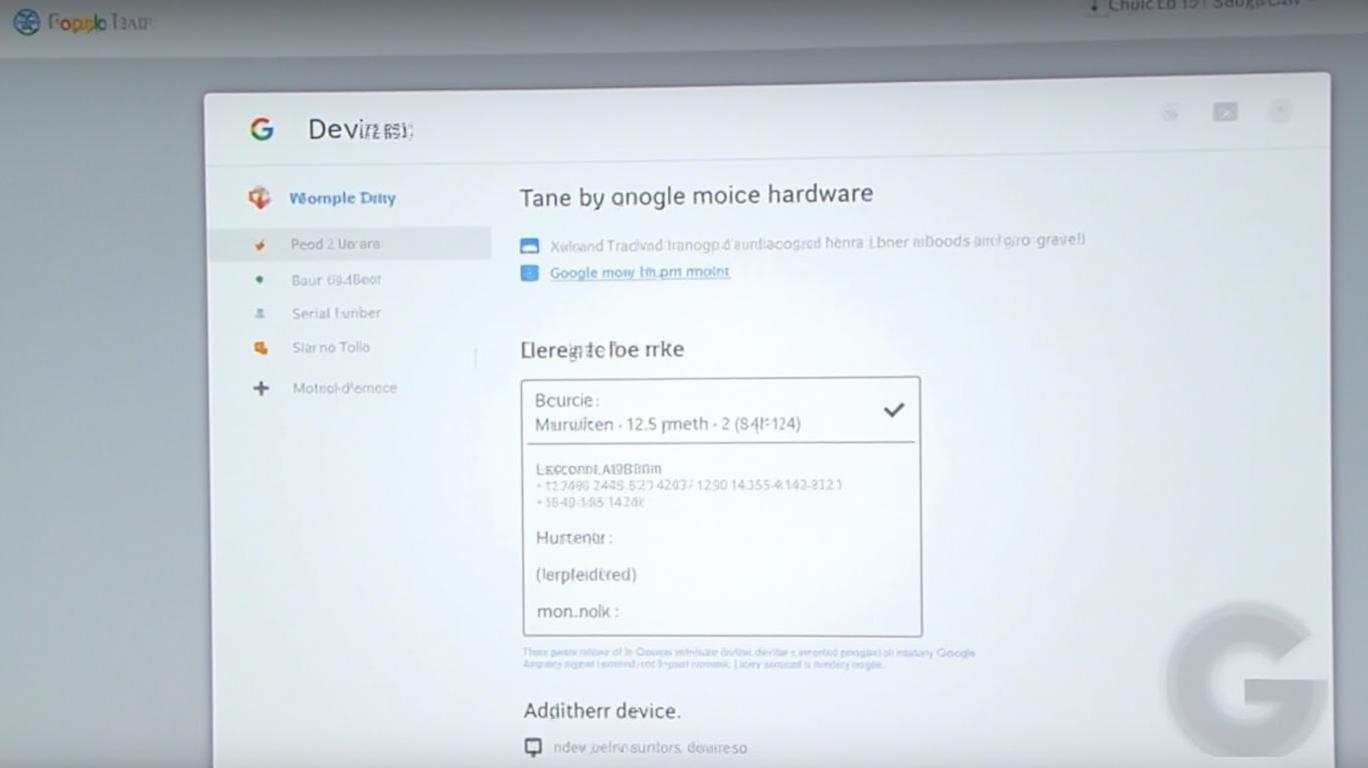
According to a report by Android Authority [1], this new feature allows users to view detailed information about their devices, including serial numbers, IMEI, and warranty status. Moreover, it offers a range of actions, such as requesting support, locating devices, ordering repairs, and adding missing devices by entering their IMEI or serial number.
The page's design is intuitive and user-friendly, with each device represented by a thumbnail image for easy identification. Users can also manage their devices directly from this page, including adding or removing them from their Google account.
For Pixel and Nest device owners, this new feature offers a significant advantage. It streamlines the process of managing device information, warranty status, and support requests, making it easier to keep track of all one's Google hardware in one place.
Google has been continually working to enhance the user experience for its customers. The introduction of the "Your Devices" page is a testament to this commitment, providing users with a more efficient and convenient way to manage their Google-branded devices.
References:
[1] Rita El Khoury and Adamya Sharma. Google Store's Your Devices page: One-stop hub for managing Pixel and Nest devices. Android Authority. Retrieved from https://www.androidauthority.com/google-store-your-devices-page-3530295/
IMAY--
The Google Store has introduced a "Devices" page that consolidates all Made by Google hardware signed into a single account, regardless of where they were purchased. The page displays device information, allows for device management, and enables users to add missing devices by entering their IMEI or serial number. Each device card includes warranty information, IMEI, and serial number with copy shortcuts. The page also offers various actions like repair, contact support, and find device.
Google's recent introduction of a "Your Devices" page on the Google Store has brought a welcome breath of convenience to managing one's Google-branded hardware. This page consolidates all devices signed into a single account, regardless of their purchase location, providing users with a centralized hub for device information, management, and support.According to a report by Android Authority [1], this new feature allows users to view detailed information about their devices, including serial numbers, IMEI, and warranty status. Moreover, it offers a range of actions, such as requesting support, locating devices, ordering repairs, and adding missing devices by entering their IMEI or serial number.
The page's design is intuitive and user-friendly, with each device represented by a thumbnail image for easy identification. Users can also manage their devices directly from this page, including adding or removing them from their Google account.
For Pixel and Nest device owners, this new feature offers a significant advantage. It streamlines the process of managing device information, warranty status, and support requests, making it easier to keep track of all one's Google hardware in one place.
Google has been continually working to enhance the user experience for its customers. The introduction of the "Your Devices" page is a testament to this commitment, providing users with a more efficient and convenient way to manage their Google-branded devices.
References:
[1] Rita El Khoury and Adamya Sharma. Google Store's Your Devices page: One-stop hub for managing Pixel and Nest devices. Android Authority. Retrieved from https://www.androidauthority.com/google-store-your-devices-page-3530295/


Divulgación editorial y transparencia de la IA: Ainvest News utiliza tecnología avanzada de Modelos de Lenguaje Largo (LLM) para sintetizar y analizar datos de mercado en tiempo real. Para garantizar los más altos estándares de integridad, cada artículo se somete a un riguroso proceso de verificación con participación humana.
Mientras la IA asiste en el procesamiento de datos y la redacción inicial, un miembro editorial profesional de Ainvest revisa, verifica y aprueba de forma independiente todo el contenido para garantizar su precisión y cumplimiento con los estándares editoriales de Ainvest Fintech Inc. Esta supervisión humana está diseñada para mitigar las alucinaciones de la IA y garantizar el contexto financiero.
Advertencia sobre inversiones: Este contenido se proporciona únicamente con fines informativos y no constituye asesoramiento profesional de inversión, legal o financiero. Los mercados conllevan riesgos inherentes. Se recomienda a los usuarios que realicen una investigación independiente o consulten a un asesor financiero certificado antes de tomar cualquier decisión. Ainvest Fintech Inc. se exime de toda responsabilidad por las acciones tomadas con base en esta información. ¿Encontró un error? Reportar un problema


SOBRE NOSOTROS
Nuestra historiaAutores de noticiasBase de conocimientosPolítica de privacidadTérmino de usoDescargo de responsabilidad de corretaje de tercerosTérminos de uso de AIMEDivulgaciones de riesgos de AInvest AICarrerasCONTÁCTENOS
Email: support@ainvest.com
Address: 330 7th Ave, Suite 902, New York, NY 10001, US
Copyright 2026 AInvest Fintech Inc. All rights reserved.


Comentarios
Aún no hay comentarios