
Google Messages Reintroduces Screen Effects for Enhanced Expressiveness in SMS and RCS
PorAinvest
lunes, 15 de julio de 2024, 11:57 am ET1 min de lectura
GOOGL--
According to a report by 9to5Google [1], Google is planning to add a "Show expressive animations" setting to Google Messages, presumably to turn off Reaction and Screen Effects. This setting is currently in the beta phase, and while not yet available to all users, it is expected to be a welcome addition for those seeking more control over their messaging experience.
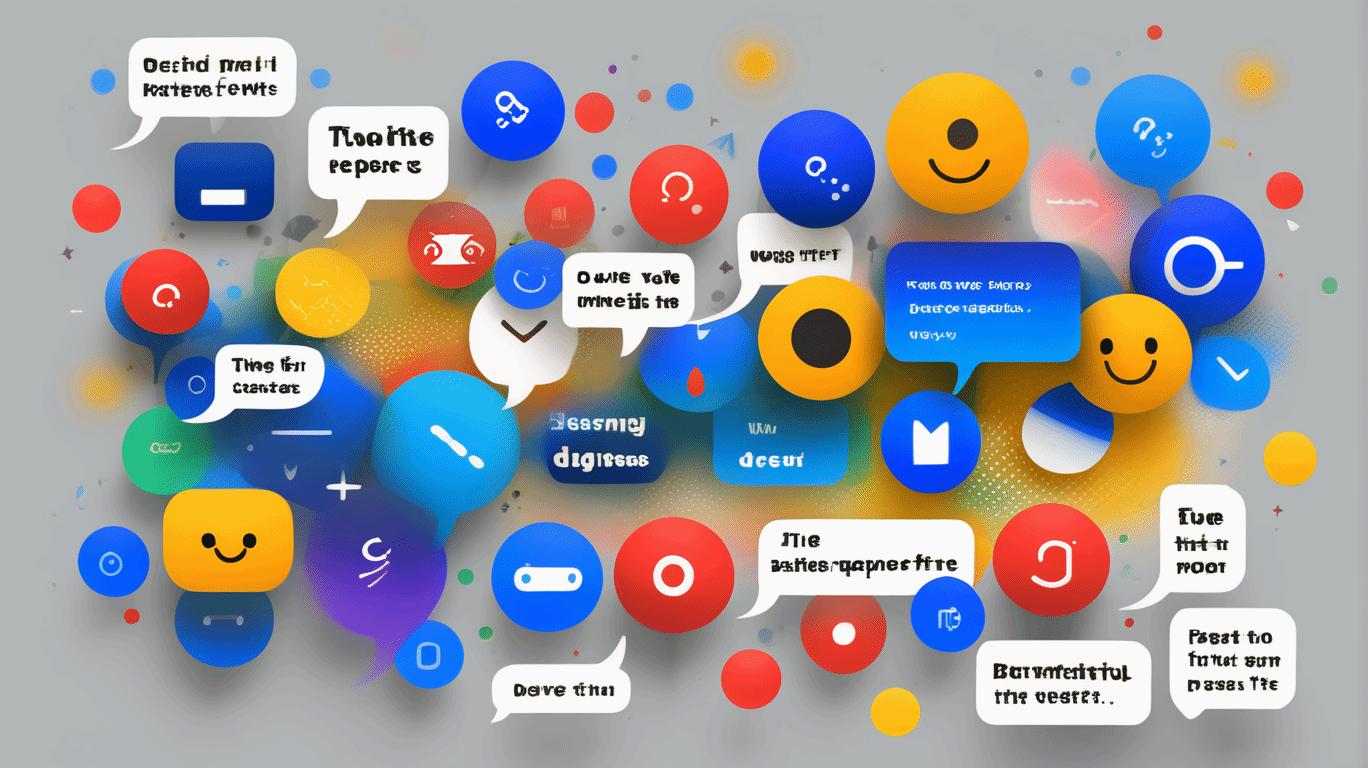
The Screen Effects feature, which takes over the screen when typing or receiving certain phrases, has been a source of frustration for some users. Phrases like "I love you" and "Sounds good," which are quite common, have been known to trigger unexpected and overwhelming animations. However, Google promised over 15 hidden prompt words to enable these effects when the feature was first announced last year [2].
The reintroduction of the fullscreen Screen Effects feature with the option to turn it on and off addresses some of these concerns. Users can now experience a variety of animations triggered by specific phrases, while also having the ability to disable the feature if they prefer. This setting may also impact Animated Emoji, while Photomoji should remain unaffected.
In summary, Google Messages is reintroducing its fullscreen Screen Effects feature for SMS and RCS conversations, giving users more control over their messaging experience. With the option to turn on and off these effects, users can enjoy a more personalized and customized messaging experience.
Sources:
[1] 9to5Google. (2024, May 1). Google Messages is getting a “Show expressive animations” setting to turn off Reaction and Screen Effects. https://9to5google.com/2024/05/01/google-messages-animations-off/
[2] Google Blog. (2023, October 10). 7 new messages features to make your conversations even better. https://blog.google/products/android/7-new-messages-features/
RCS--
Google Messages is reintroducing its fullscreen Screen Effects feature for SMS and RCS conversations, after earlier pausing the expressive animations. Now, with the option to turn on/off these effects, users can experience a variety of animations triggered by specific phrases like "Going to the beach" or "Rise and shine." However, some previously active phrases, like "I love you" and "Sounds good," no longer trigger effects. Users can now find over 15 hidden prompt words to enable these effects.
Google Messages, the popular messaging app developed by Google, is known for its innovative features, including Reaction and Screen Effects. However, some users have expressed concerns about the frequency and impact of these animations, leading to the reintroduction of a fullscreen Screen Effects feature.According to a report by 9to5Google [1], Google is planning to add a "Show expressive animations" setting to Google Messages, presumably to turn off Reaction and Screen Effects. This setting is currently in the beta phase, and while not yet available to all users, it is expected to be a welcome addition for those seeking more control over their messaging experience.
The Screen Effects feature, which takes over the screen when typing or receiving certain phrases, has been a source of frustration for some users. Phrases like "I love you" and "Sounds good," which are quite common, have been known to trigger unexpected and overwhelming animations. However, Google promised over 15 hidden prompt words to enable these effects when the feature was first announced last year [2].
The reintroduction of the fullscreen Screen Effects feature with the option to turn it on and off addresses some of these concerns. Users can now experience a variety of animations triggered by specific phrases, while also having the ability to disable the feature if they prefer. This setting may also impact Animated Emoji, while Photomoji should remain unaffected.
In summary, Google Messages is reintroducing its fullscreen Screen Effects feature for SMS and RCS conversations, giving users more control over their messaging experience. With the option to turn on and off these effects, users can enjoy a more personalized and customized messaging experience.
Sources:
[1] 9to5Google. (2024, May 1). Google Messages is getting a “Show expressive animations” setting to turn off Reaction and Screen Effects. https://9to5google.com/2024/05/01/google-messages-animations-off/
[2] Google Blog. (2023, October 10). 7 new messages features to make your conversations even better. https://blog.google/products/android/7-new-messages-features/
Divulgación editorial y transparencia de la IA: Ainvest News utiliza tecnología avanzada de Modelos de Lenguaje Largo (LLM) para sintetizar y analizar datos de mercado en tiempo real. Para garantizar los más altos estándares de integridad, cada artículo se somete a un riguroso proceso de verificación con participación humana.
Mientras la IA asiste en el procesamiento de datos y la redacción inicial, un miembro editorial profesional de Ainvest revisa, verifica y aprueba de forma independiente todo el contenido para garantizar su precisión y cumplimiento con los estándares editoriales de Ainvest Fintech Inc. Esta supervisión humana está diseñada para mitigar las alucinaciones de la IA y garantizar el contexto financiero.
Advertencia sobre inversiones: Este contenido se proporciona únicamente con fines informativos y no constituye asesoramiento profesional de inversión, legal o financiero. Los mercados conllevan riesgos inherentes. Se recomienda a los usuarios que realicen una investigación independiente o consulten a un asesor financiero certificado antes de tomar cualquier decisión. Ainvest Fintech Inc. se exime de toda responsabilidad por las acciones tomadas con base en esta información. ¿Encontró un error? Reportar un problema


SOBRE NOSOTROS
Nuestra historiaAutores de noticiasBase de conocimientosPolítica de privacidadTérmino de usoDescargo de responsabilidad de corretaje de tercerosTérminos de uso de AIMEDivulgaciones de riesgos de AInvest AICarrerasCONTÁCTENOS
Email: support@ainvest.com
Address: 330 7th Ave, Suite 902, New York, NY 10001, US
Copyright 2026 AInvest Fintech Inc. All rights reserved.


Comentarios
Aún no hay comentarios