
A Comprehensive Guide to SAP BTP Event Mesh Integration with SAP Cloud Integration and Beyond
PorAinvest
viernes, 24 de enero de 2025, 12:58 pm ET1 min de lectura
RLAY--
The ASAPIO Integration Add-on allows the Event Mesh to handle custom events and events from older R/3 systems, ensuring seamless communication between applications. This integration is supported by Event Mesh in the SAP BTP portfolio and is an essential component of the event-driven architecture (EDA) used in recent SAP side-by-side extension solutions [1].
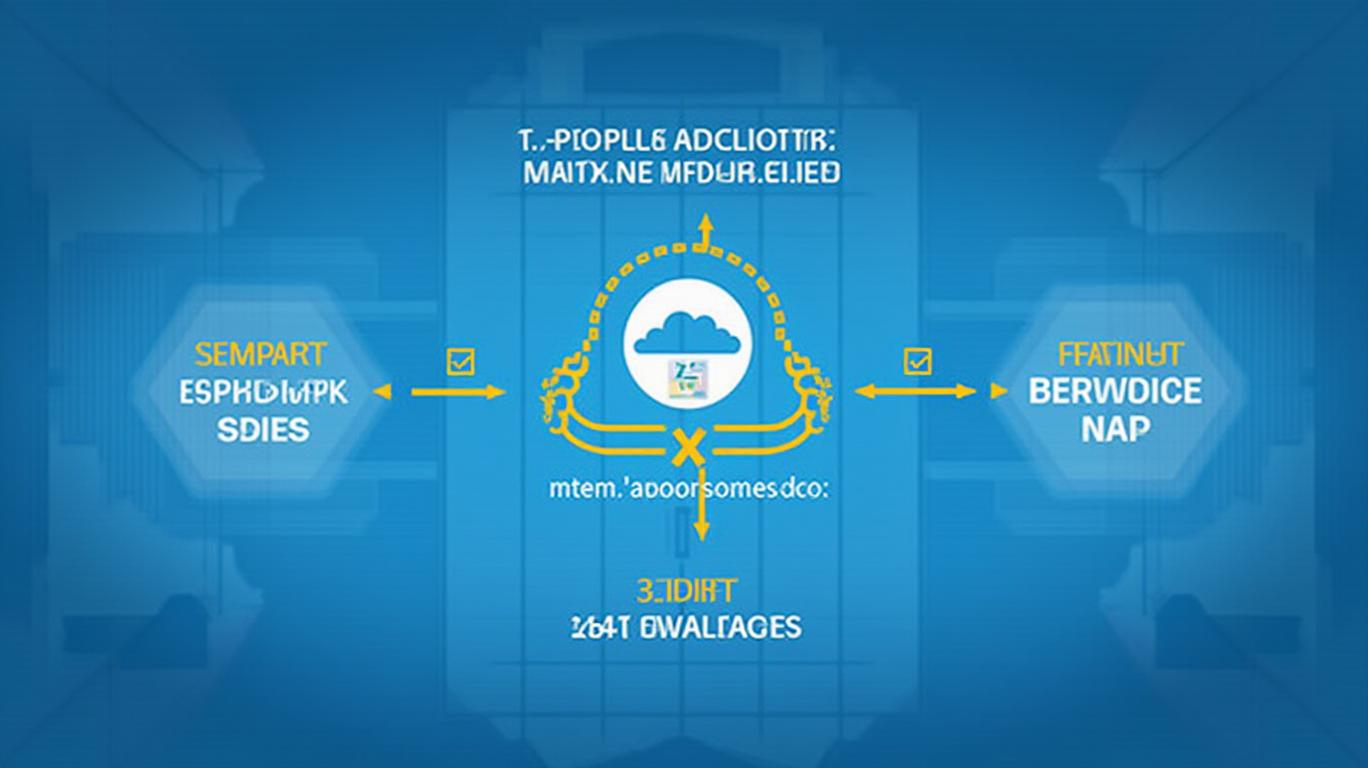
SAP BTP Cloud Integrations serve as the central communication hub for this solution, providing access to on-premise systems within a corporate network. By integrating SAP BTP Cloud Integrations and Event Mesh, it is possible to relay information about an event from an on-premise SAP system to the SAP Cloud Integration (SCI) and beyond, including SAP BUILD, Fiori applications, and third-party apps [1].
To get started, prerequisites include an Event Mesh instance on BTP, which can be created by following the instructions provided in the SAP Community blog [1]. Once the instance is created, a service key must be generated and downloaded for use in the next step.
Next, destinations must be created to establish a connection from the on-premise SAP system to the SAP BTP Event Mesh instance. This can be done by running report ASADEV/ACI_EM_RFC_CREATE in the SE38 and providing the necessary information, including the Cloud Instance name, RFC name, and the downloaded JSON configuration from the service key [1].
In summary, the SAP BTP Event Mesh, along with the ASAPIO Integration Add-on, provides a powerful solution for integrating custom and standard events from S/4HANA and R/3 systems. By following the steps outlined in this article and utilizing SAP BTP Cloud Integrations, it is possible to create a seamless and efficient communication channel between applications, ultimately enhancing the overall functionality and value of your SAP systems.
References:
[1] SAP BTP Event Mesh from S/4 to SCI. (n.d.). Retrieved from https://community.sap.com/t5/technology-blogs-by-members/sap-btp-event-mesh-from-s4-to-sci/ba-p/13741285
SAP--
SAP BTP Event Mesh integrates SAP standard events from S/4HANA systems and custom events from older R/3 systems using the ASAPIO Integration Add-on. This service allows applications to communicate through asynchronous events and is supported by Event Mesh in the SAP BTP portfolio. The solution integrates SAP BTP Cloud Integrations and Event Mesh to relay information about an event from on-premise SAP to SCI and beyond.
The SAP Business Technology Platform (BTP) Event Mesh is a valuable addition to SAP's portfolio, enabling applications to communicate through asynchronous events. This service supports various SAP standard events from BOR objects and classes on S/4HANA systems. However, to integrate custom events or events from older R/3 systems, the ASAPIO Integration Add-on must be installed [1].The ASAPIO Integration Add-on allows the Event Mesh to handle custom events and events from older R/3 systems, ensuring seamless communication between applications. This integration is supported by Event Mesh in the SAP BTP portfolio and is an essential component of the event-driven architecture (EDA) used in recent SAP side-by-side extension solutions [1].
SAP BTP Cloud Integrations serve as the central communication hub for this solution, providing access to on-premise systems within a corporate network. By integrating SAP BTP Cloud Integrations and Event Mesh, it is possible to relay information about an event from an on-premise SAP system to the SAP Cloud Integration (SCI) and beyond, including SAP BUILD, Fiori applications, and third-party apps [1].
To get started, prerequisites include an Event Mesh instance on BTP, which can be created by following the instructions provided in the SAP Community blog [1]. Once the instance is created, a service key must be generated and downloaded for use in the next step.
Next, destinations must be created to establish a connection from the on-premise SAP system to the SAP BTP Event Mesh instance. This can be done by running report ASADEV/ACI_EM_RFC_CREATE in the SE38 and providing the necessary information, including the Cloud Instance name, RFC name, and the downloaded JSON configuration from the service key [1].
In summary, the SAP BTP Event Mesh, along with the ASAPIO Integration Add-on, provides a powerful solution for integrating custom and standard events from S/4HANA and R/3 systems. By following the steps outlined in this article and utilizing SAP BTP Cloud Integrations, it is possible to create a seamless and efficient communication channel between applications, ultimately enhancing the overall functionality and value of your SAP systems.
References:
[1] SAP BTP Event Mesh from S/4 to SCI. (n.d.). Retrieved from https://community.sap.com/t5/technology-blogs-by-members/sap-btp-event-mesh-from-s4-to-sci/ba-p/13741285


Divulgación editorial y transparencia de la IA: Ainvest News utiliza tecnología avanzada de Modelos de Lenguaje Largo (LLM) para sintetizar y analizar datos de mercado en tiempo real. Para garantizar los más altos estándares de integridad, cada artículo se somete a un riguroso proceso de verificación con participación humana.
Mientras la IA asiste en el procesamiento de datos y la redacción inicial, un miembro editorial profesional de Ainvest revisa, verifica y aprueba de forma independiente todo el contenido para garantizar su precisión y cumplimiento con los estándares editoriales de Ainvest Fintech Inc. Esta supervisión humana está diseñada para mitigar las alucinaciones de la IA y garantizar el contexto financiero.
Advertencia sobre inversiones: Este contenido se proporciona únicamente con fines informativos y no constituye asesoramiento profesional de inversión, legal o financiero. Los mercados conllevan riesgos inherentes. Se recomienda a los usuarios que realicen una investigación independiente o consulten a un asesor financiero certificado antes de tomar cualquier decisión. Ainvest Fintech Inc. se exime de toda responsabilidad por las acciones tomadas con base en esta información. ¿Encontró un error? Reportar un problema


SOBRE NOSOTROS
Nuestra historiaAutores de noticiasBase de conocimientosPolítica de privacidadTérmino de usoDescargo de responsabilidad de corretaje de tercerosTérminos de uso de AIMEDivulgaciones de riesgos de AInvest AICarrerasCONTÁCTENOS
Email: support@ainvest.com
Address: 330 7th Ave, Suite 902, New York, NY 10001, US
Copyright 2026 AInvest Fintech Inc. All rights reserved.


Comentarios
Aún no hay comentarios